


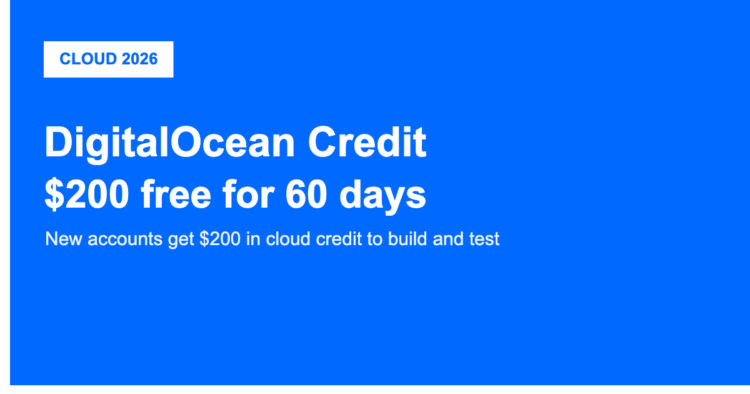
Want the DigitalOcean promo? New accounts get $200 in free credit to use over their first 60 days. There’s no code to type: sign up through the button below, add a valid payment method to verify your account, and the $200 credit lands in your account for you to spend on servers, databases and other cloud services.
Below we explain exactly how the credit works, what you can build with it, and the conditions to know before you start.
☁️ Get $200 DigitalOcean Credit →
What Is DigitalOcean?
DigitalOcean is a cloud hosting provider built for developers and small teams. It’s known for simple, predictable pricing and an easy dashboard, and it offers virtual servers (called Droplets), managed databases, Kubernetes, object storage, and its App Platform for deploying apps without managing servers. It’s a popular alternative to the bigger, more complex clouds when you want something straightforward.
How the $200 Credit Works
The offer gives new customers $200 in credit, valid for 60 days from sign-up. You need to add a valid payment method (card or PayPal) to activate your account, but the credit covers your usage during the trial window. Anything you spend comes off the credit first; whatever you don’t use by day 60 expires. It’s designed so you can genuinely build and test a real project before paying anything out of pocket.
What You Can Build With It
$200 goes a long way on DigitalOcean’s pricing. You could run several basic Droplets for the full two months, host a managed database, deploy an app on the App Platform, or spin up a small Kubernetes cluster to learn on. It’s ideal for testing a side project, following a tutorial series, or evaluating whether DigitalOcean fits your stack before committing.
☁️ Start With $200 Free Credit
Is It Worth It?
For anyone learning cloud deployment or prototyping, a two-month runway with $200 of credit is one of the better free-tier-style offers around, because it’s real usage credit rather than a restricted trial. The main thing to watch is the 60-day expiry and the fact that usage beyond the credit (or after it expires) is billed normally, so set a reminder and keep an eye on the billing page.
My Experience
We signed up to see how clean the credit is. It applied automatically after adding a payment method, with no code needed, and the billing dashboard clearly showed the remaining credit and days left. The useful habit is checking that page every week or two, since the credit is time-limited and any spend above it starts billing your payment method.
FAQ: DigitalOcean Credit
Does DigitalOcean have a promo code?
You don’t need to type a code. New accounts that sign up through a referral link automatically receive $200 in credit for 60 days. The credit is applied once you verify your account with a payment method.
Do I need a credit card for the DigitalOcean free credit?
Yes. You add a valid payment method (card or PayPal) to activate the account and prevent abuse, but your usage is covered by the $200 credit during the 60-day window. You’re only billed for usage beyond the credit or after it expires.
What happens after the 60 days?
Any credit you haven’t used expires, and your account switches to standard pay-as-you-go pricing. Remember to remove or downsize resources you no longer need so you aren’t billed for them.
More Software Deals & Coupons
Helium 10 coupon · GetResponse deal · Opus Clip deal · Kicksta trial offer · Meshy AI deal · CapCut deal
This article may contain affiliate links, from which we may earn a commission at no extra cost to you. DigitalOcean’s credit amount and trial length can change, and usage beyond the credit is billed normally, so always confirm the current offer and monitor your billing page before and during the trial.
Related coupons










No Comments
Leave Comment